Delete your Lokal account
You can delete your account and all associated personal data directly from the app or by contacting us.
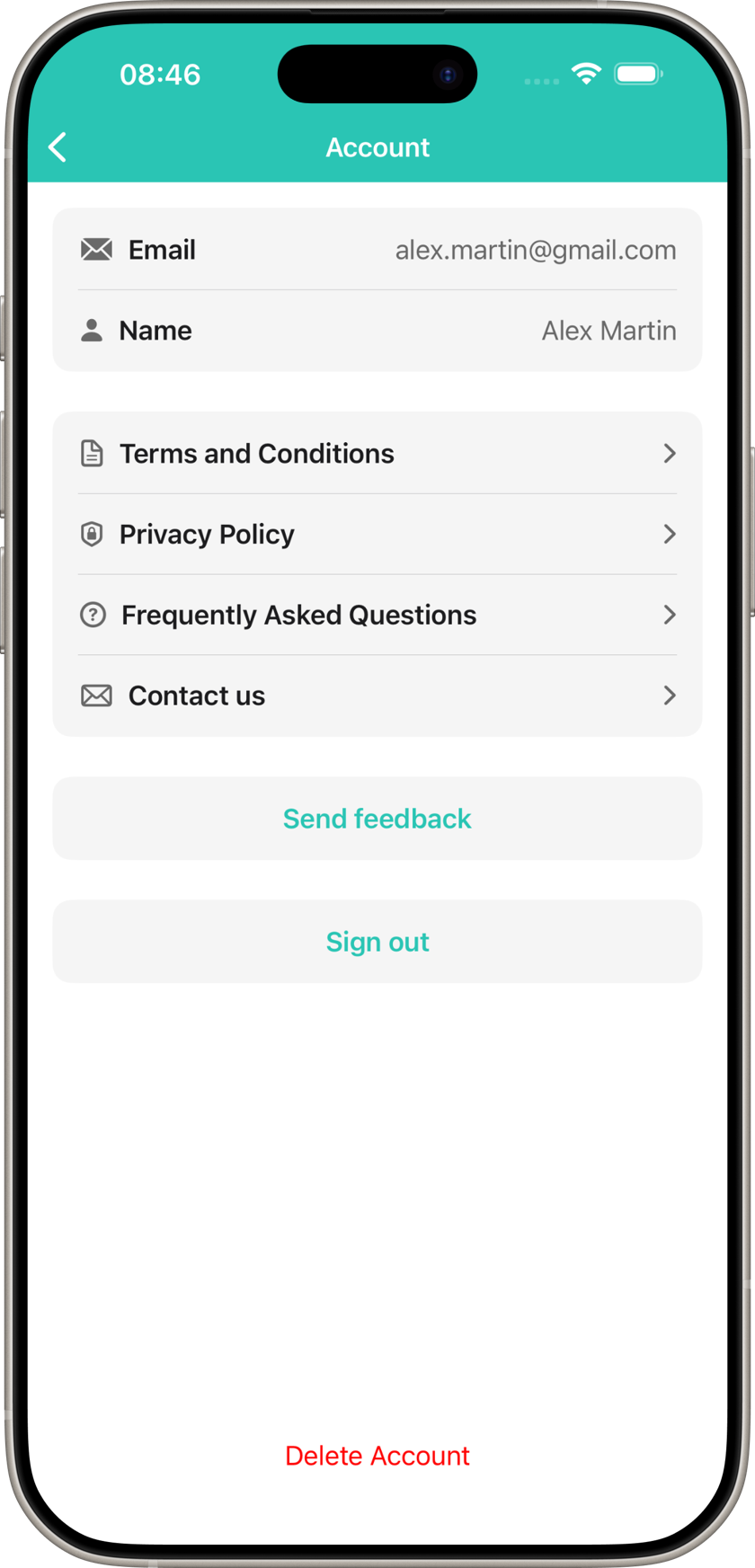
From the app
- 1
Open the Lokal app
- 2
Go to Account (profile icon)
- 3
Tap the red "Delete Account" button
- 4
Confirm your request
By email
If you no longer have access to the app, send an email to contact@lokal-app.com :
Subject:
“Account deletion request”
- Your registered email address
We will process your request within 10 days.
Certain data may be retained for legal and regulatory compliance (anti-money laundering laws).